Free Van Lighting and Controls Course for DIY Builders
Press Evening, and the living area settles into warm, dim light. The unused zones stay off. It sounds simple. Understanding what happens between that button press and the lights changing is where this course begins.
Our free van lighting and controls course, Understand Your Van’s Controls and Lighting, is now live. It is built for people who want to understand the principles behind a camper van’s controls well enough to make decisions, explain the system and work through a fault.
No previous knowledge of Node-RED, DMX or Art-Net is assumed. We start with what you want the van to do, then build the explanation one piece at a time.
37 lessons · 7 stages · 7 quizzes · Free enrollment
Learn at your own pace, with printable worksheets, an answer key and guided Node-RED practice.
Why I wanted a course about understanding the controls
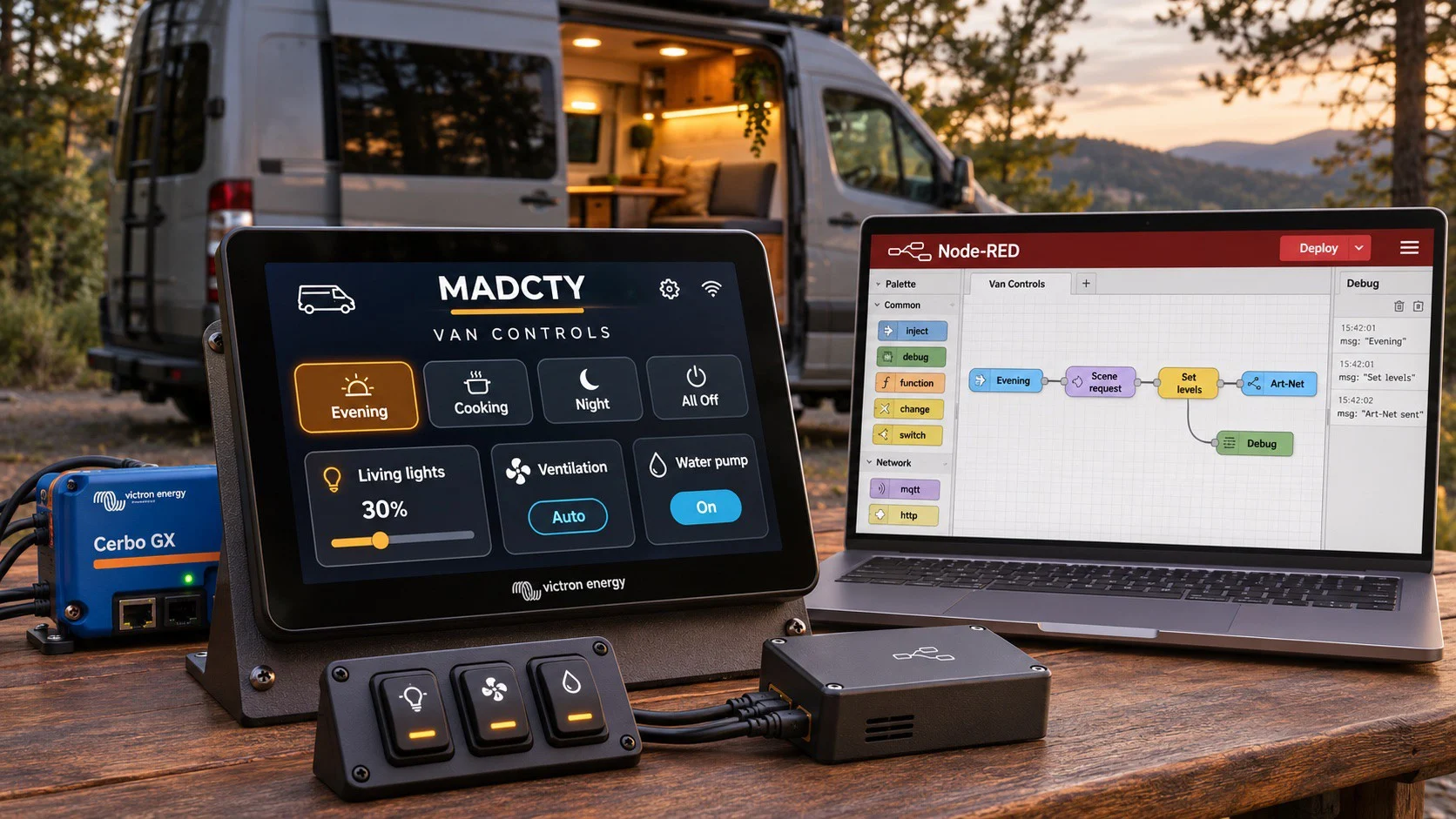
This grew out of the MADCTY Transit van build. The plan brings together lighting scenes, physical controls, a Cerbo GX with a GX Touch display, and software that coordinates requests.
The difficult part was getting from a list of components to a clear reason for each one. A diagram can show where the boxes connect while leaving the bigger questions unanswered: why choose this arrangement, what depends on it, and what happens when something stops responding?
My aim was to make those decisions understandable to someone arriving with the same basic question: “What is all of this actually doing?” That means explaining the choices before asking anyone to follow the instructions.
Start with the outcome, then choose the system
A simple switch and a lamp can be exactly the right solution. The design becomes more involved when you want several controls to request the same lighting scene, a screen to show useful status, or a sensor to trigger an action under particular conditions.
The course compares ways to meet those goals and explains the tradeoffs behind the proposed architecture. You follow one complete Evening scene before moving into detailed practice. That gives unfamiliar terms a job to do in a story you already understand.
You will also explore how a future voice or personal assistant could request scenes, and why manual overrides, priorities and clear feedback need to be part of that design.
What Node-RED, DMX and Art-Net have to do with your van
The course introduces each term in plain language, then shows how the parts work together:
- Node-RED: software for building flows that receive messages, apply rules and request actions.
- DMX: a way to send a numbered list of lighting levels to equipment that understands it.
- Art-Net: a way to carry lighting data over an Ethernet network, with a gateway providing the next step to DMX equipment.
- Cerbo GX and GX Touch: the device and display in the proposed setup, including the integration needed for custom controls and meaningful status.
- Decoders, lights and physical switches: the hardware that connects the control choices to what you experience inside the van.
You start with a small demonstration flow and see a message arrive. Later lessons build toward scenes, channel addresses, dimming and white-light mixing. The practice flows let you learn the software without operating real loads.
Learn to narrow down a fault
Imagine pressing Evening and finding that one zone stays dark. There are several places to look: the request, the flow, the lighting data, the decoder and the power reaching the light. Understanding those stages gives you a way to divide the problem and decide what evidence you need next.
The course repeatedly separates the command path from the power path. It also covers manual fallback, restart behaviour, stale sensor readings and the limits of what a screen can confirm. A displayed request and a working light are two different observations.
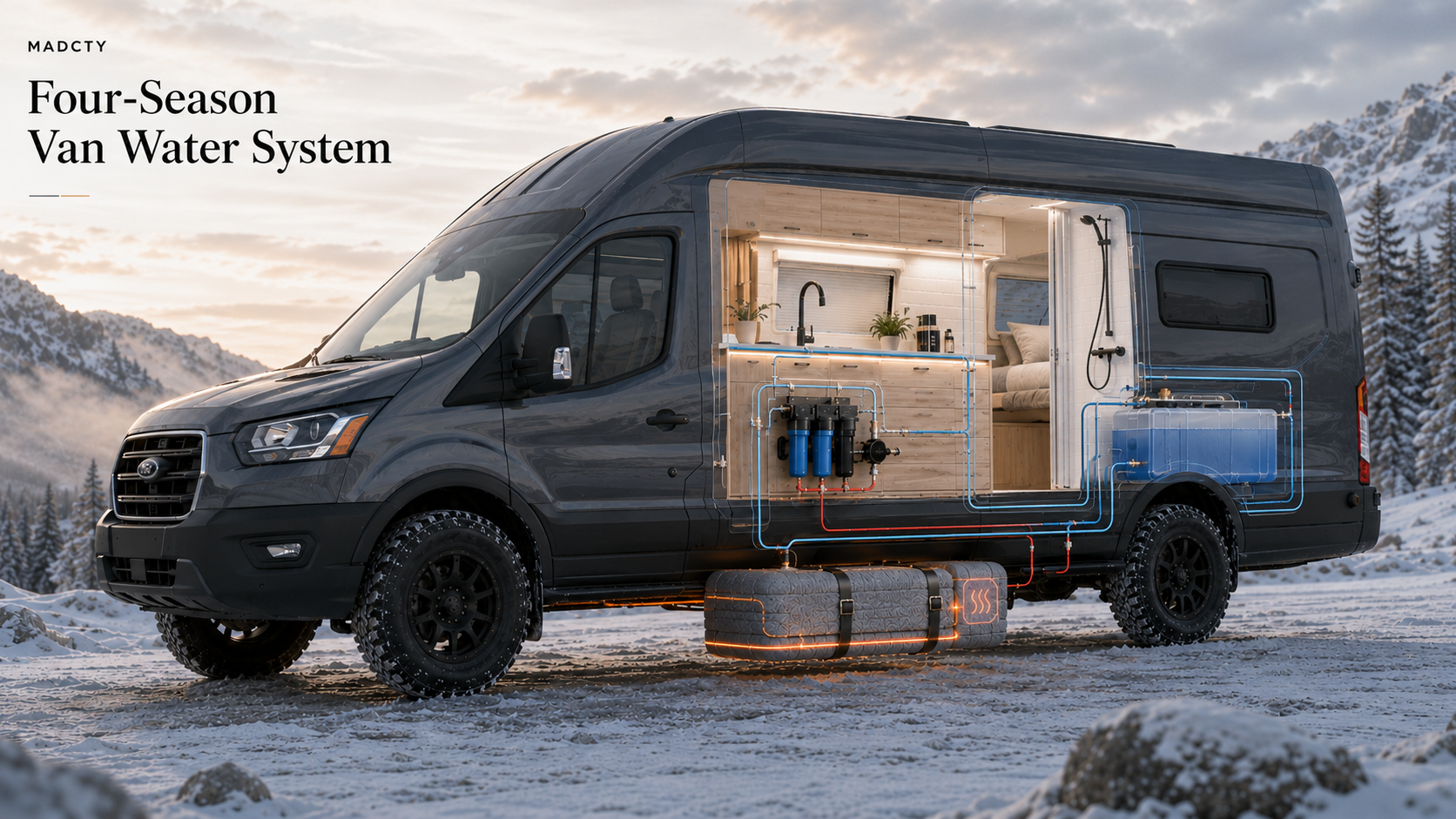
The power lessons stay connected to how the van will be used. Normal living-area lighting is considered alongside the fan, fridge, water pump and grey-tank heating. Typical use, allowed combinations and starting transients all matter when evaluating the 12V supply and whether another converter is needed.
Practice, check your reasoning and try again
The seven stages contain 37 lessons, guided exercises, 12 printable worksheets and an answer key. Each stage ends with a five-question quiz, giving you 35 questions across the course.
Quizzes are untimed. Four correct answers out of five pass each checkpoint, and passing all seven completes the course. Explanations, review and up to 10 retries per quiz give you room to revisit a lesson and work out why an answer makes sense.
This is useful whether you are planning your own build, trying to understand a system you already own, or preparing better questions for a builder. You can begin the lessons before buying the control hardware.
How it fits with the 48V electrical course
From Zero to 48V covers the wider electrical system: energy use, batteries, charging, distribution and documentation. This course concentrates on controls and lighting, while connecting those choices back to the power they need.
You can begin here without having taken the earlier course. If volts, amps and the wider electrical layout are still unfamiliar, the two courses give you complementary places to build that understanding.
Start the free van lighting and controls course
- Open the course page and browse the seven stages.
- Sign in or register, then select Start Now to enroll free.
- Begin with the first lesson, work through the exercises and use the quiz feedback to revisit anything that needs another look.
Start Understand Your Van’s Controls and Lighting
Start with one thing you want the van to do, then learn to explain every step between the button and the result.
Related Posts

Sign up with your email and always get notifed of Avada Lifestyles latest news!